MarkdownInk
Live Markdown rendering in the editable source editor.
Read headings, tables, tasks, diagrams, and formulas where you write them. Move the caret into a construct to reveal its source syntax, without rewriting the Markdown file.
Overview
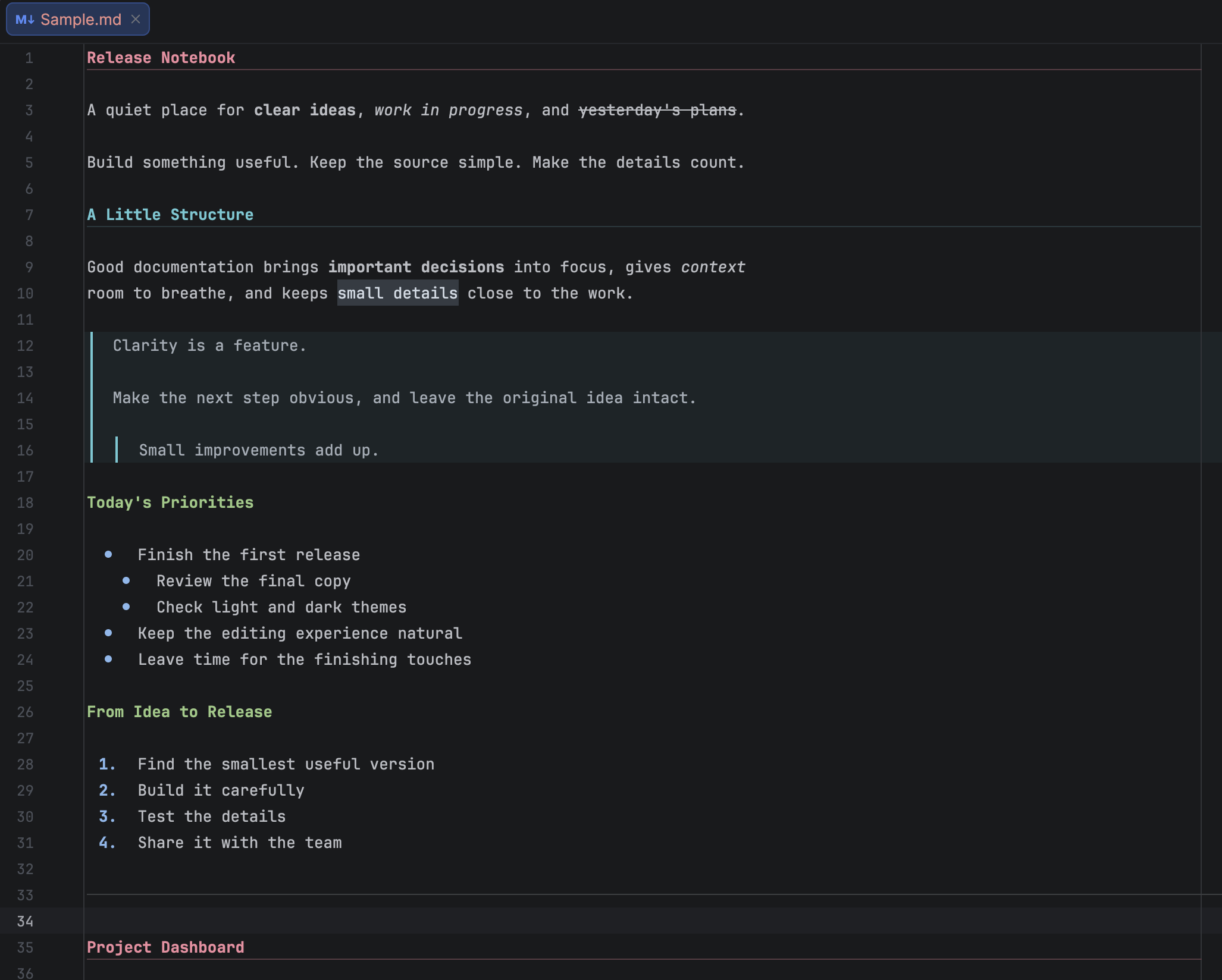
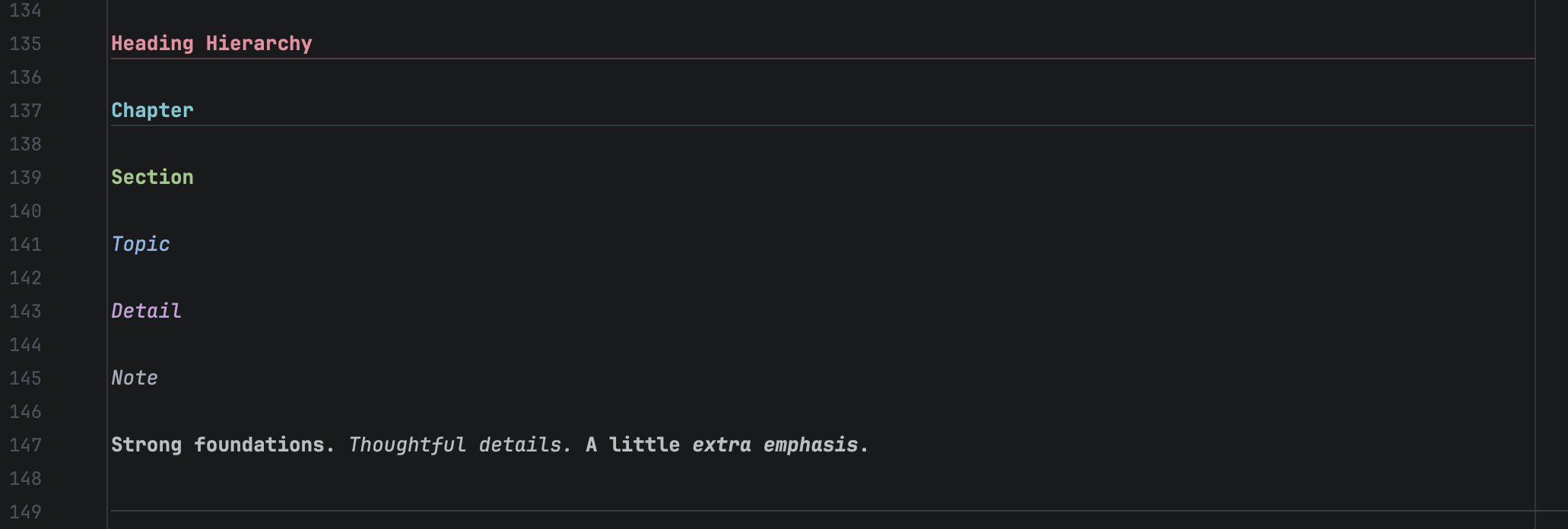
MarkdownInk renders Markdown in the same source editor where you write it. Headings, emphasis, code, links, lists, and quotes gain a readable presentation while their source stays available for editing.
Move any caret into a construct, or select its source, to reveal its Markdown syntax. Move away to restore rendering. Copying uses the original Markdown; rendering and switching to raw view do not rewrite the file or add undo steps.
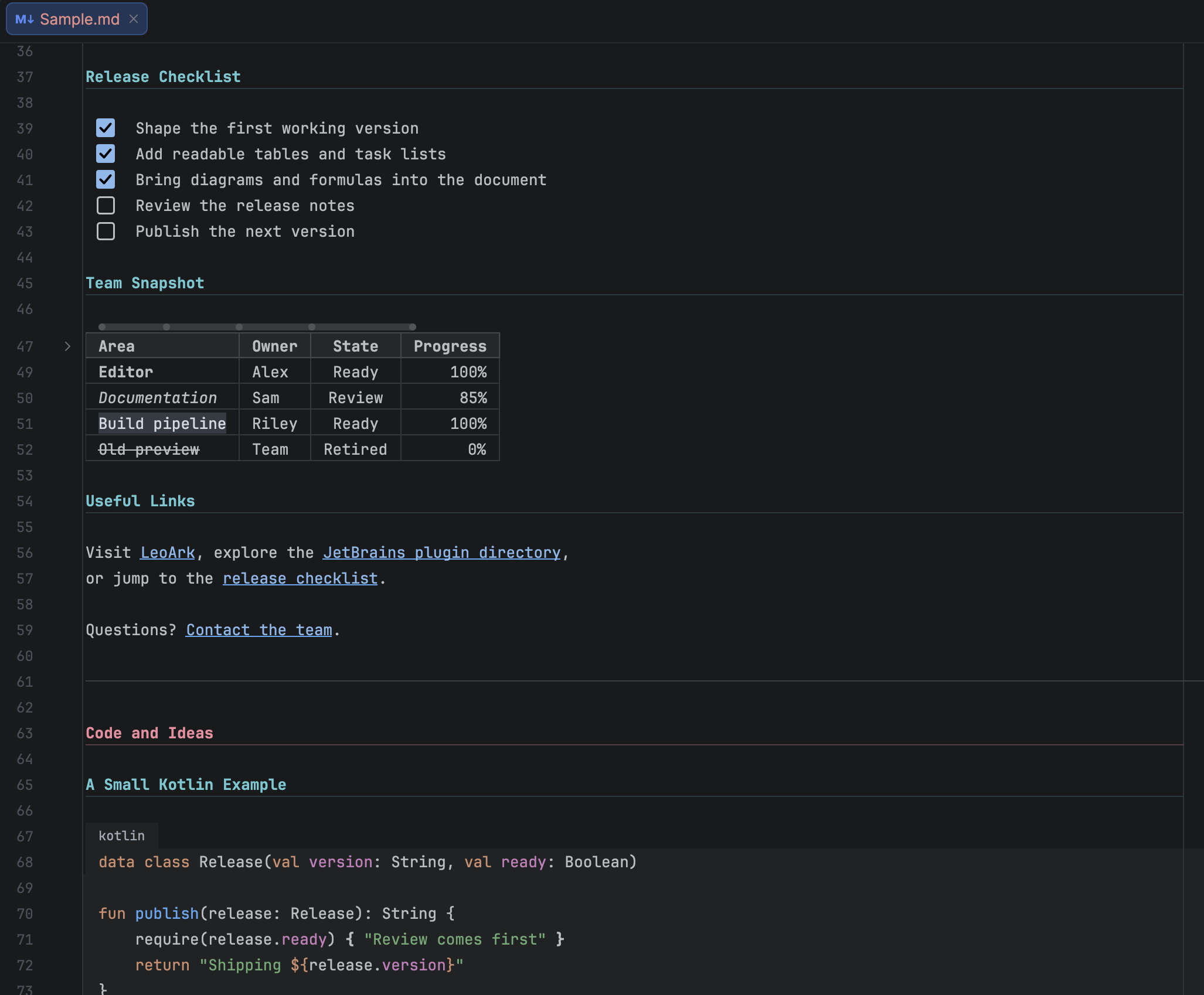
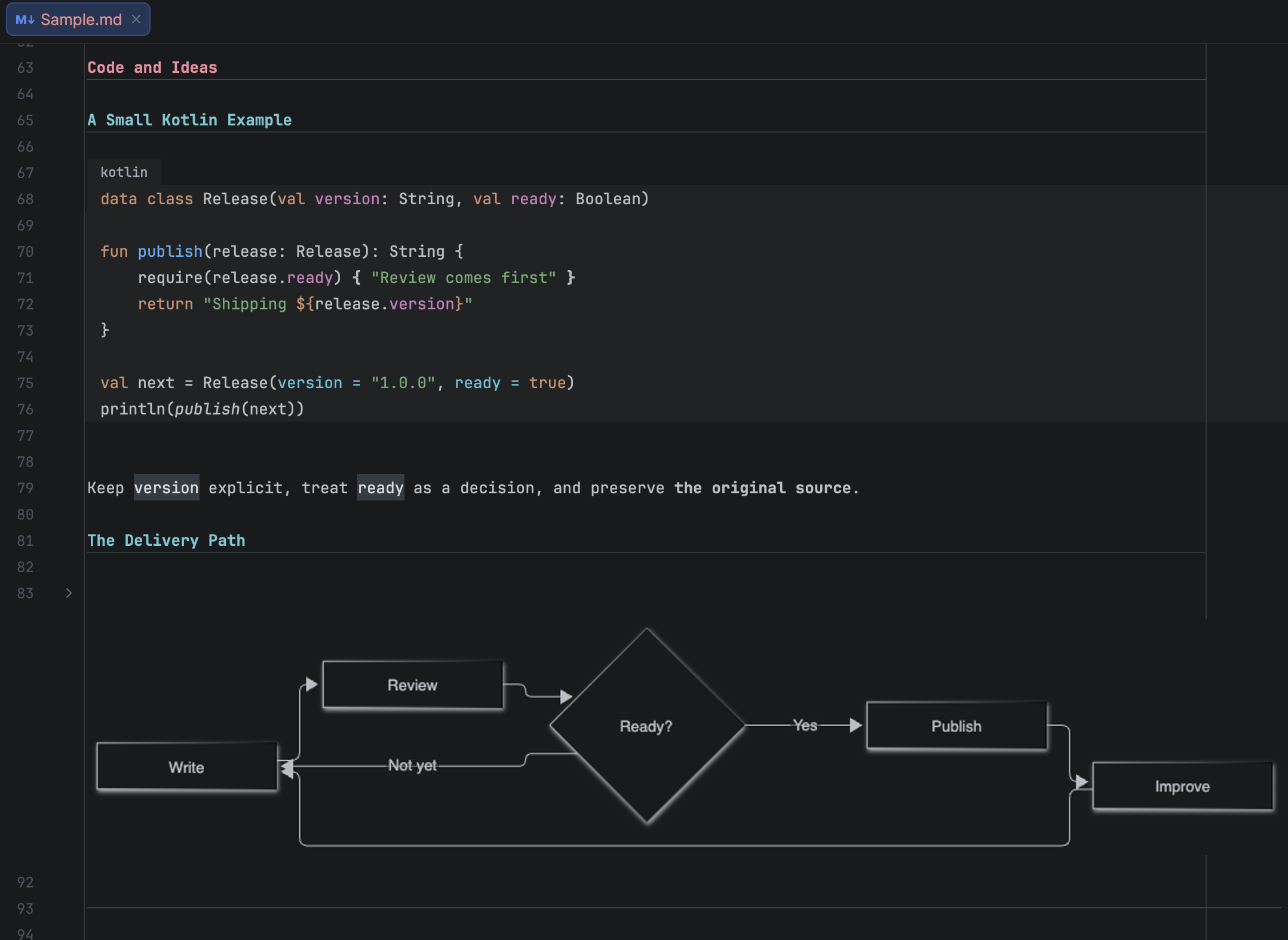
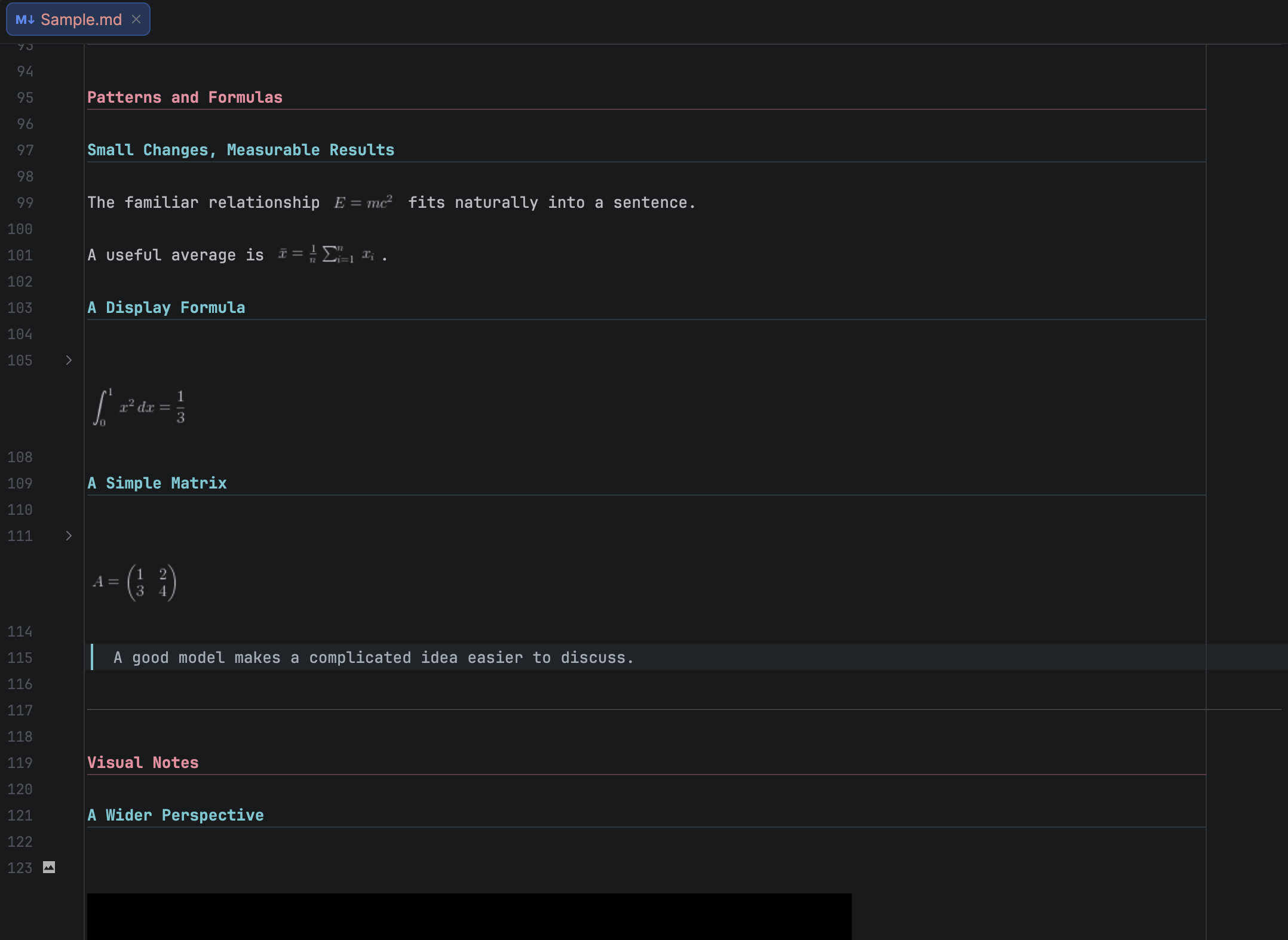
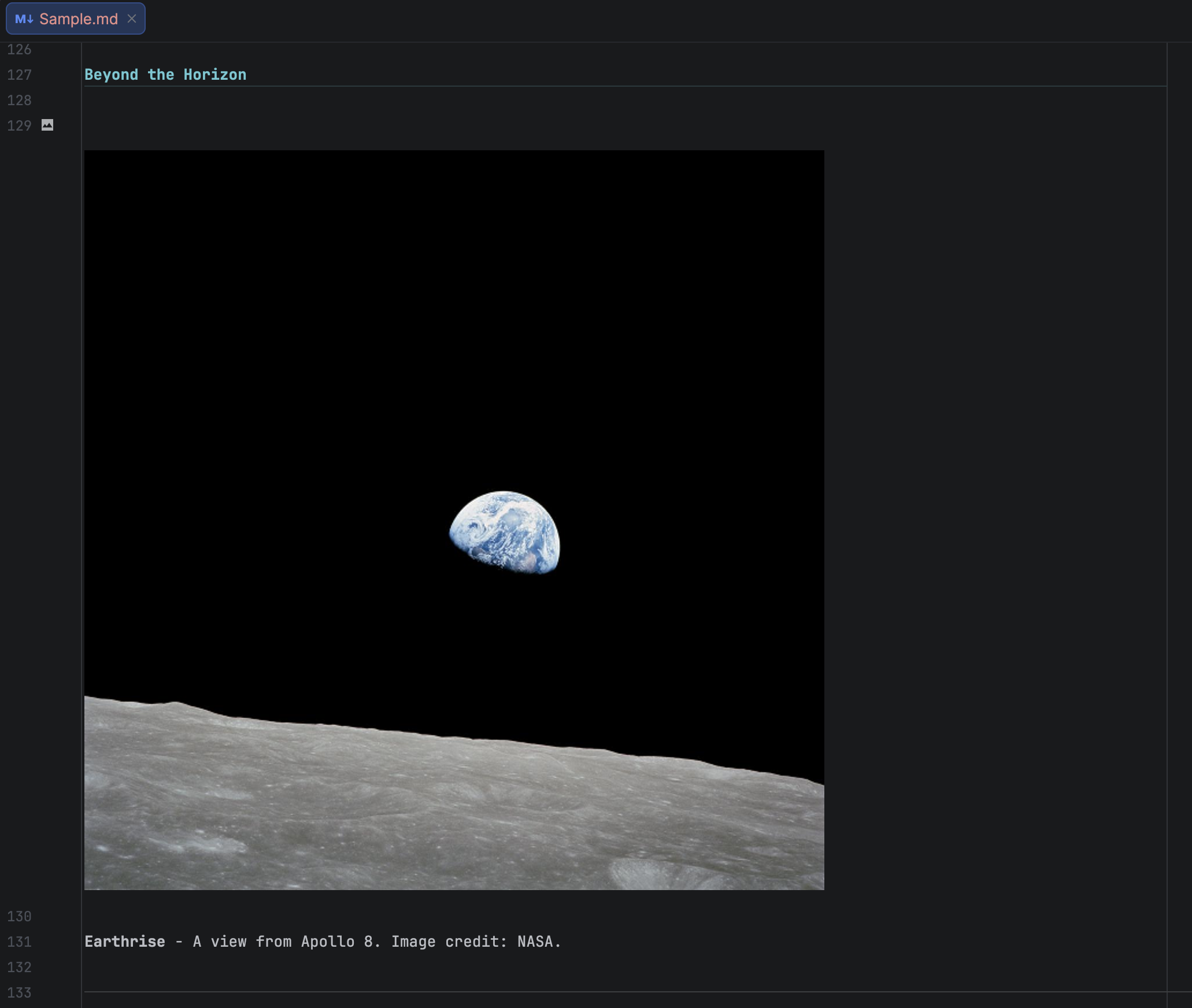
Task checkboxes, aligned tables, local Mermaid diagrams, formulas, and local raster images are also supported. Clicking a rendered task box makes an undoable source edit. Clicking a table, diagram, formula, or image reveals its source.
Use Tools > Markdown Ink to toggle live rendering, open a link, or toggle a task. Appearance options are in Settings > Editor > Markdown Ink, and individual colors are in Settings > Editor > Color Scheme > Markdown Ink.
Screenshots
Compatibility and Support
The current validated baseline is IntelliJ IDEA 2026.2.3. The bundled Markdown plugin must be enabled; Mermaid rendering requires JCEF.
Installation, supported syntax, appearance, and troubleshooting